Using PACU to auto-magically enumerate AWS
This is the write up for the first Challenge in Tyler Ramsbey's course Introduction to AWS Pentesting.

This is the write up for the first Challenge in Tyler Ramsbey's course Introduction to AWS Pentesting.
Information is the best friend of any hacker. While it is possible to enumerate all the users, roles, permissions, and groups in an AWS account, it is both tedious and extremely time consuming. AWS cli commands can be long and complex, and the likelihood of either missing something or making an error is greater than zero. If only there was a tool that could do that for us...
LUCKILY Rhino Security Labs created PACU (https://github.com/RhinoSecurityLabs/pacu).
Pacu is an open-source AWS exploitation framework, designed for offensive security testing against cloud environments. Created and maintained by Rhino Security Labs, Pacu allows penetration testers to exploit configuration flaws within an AWS account, using modules to easily expand its functionality. Current modules enable a range of attacks, including user privilege escalation, backdooring of IAM users, attacking vulnerable Lambda functions, and much more.
This walk through is using the free-tier lab at cybr.com Introduction to AWS IAM Enumeration. I will assume that you are able to install PACU on a standard linux machine. I am using a standard Parrot OS VM.
1 Understanding Pacu
To better understand any new program the first thing to do is look through the help files, and take a look at the readme found on the github.
running the command:
pacu --help
will bring up the help menu. In this instance running the command
pacuwill bring up the splash screen and you can create a new session. I did this challenge once before so as not to duplicate work I will name this session cybr2
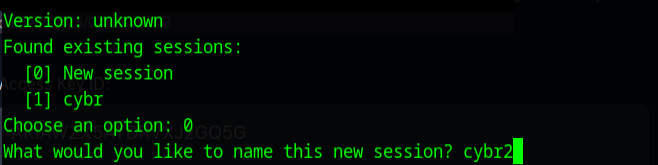
Once the program starts you are presented with a pretty comprehensive help menu and you can always return to the help menu by typing

I noticed a command called set keys and knowing that I need keys to get into an AWS account I went ahead and ran that command
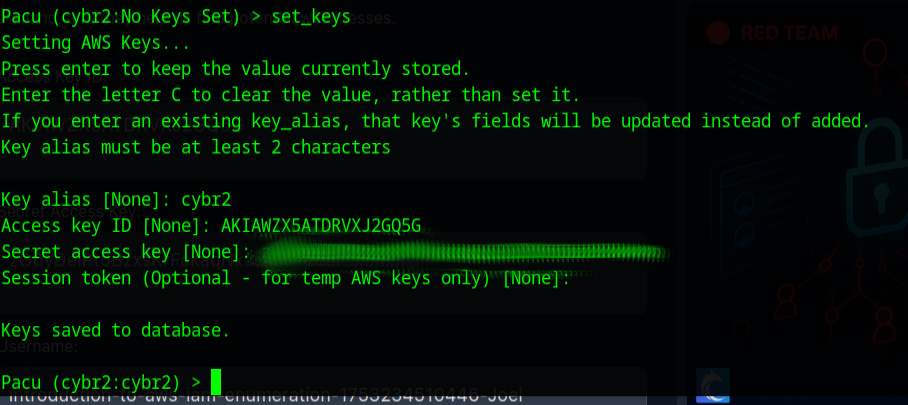
Now that the keys are set, lets see what kind of modules they have, maybe there is a enumeration module.

It looks like I can use search and a search term to list available packages. searching for enumeration brought up no modules, so I ran ls to get a sense of the module structure and found enum was used instead on enumeration. I then did a search for enum and a bunch of modules came up... I won't fill the screen with black and green, don't worry
I then noticed the term 'iam' so I searched for iam
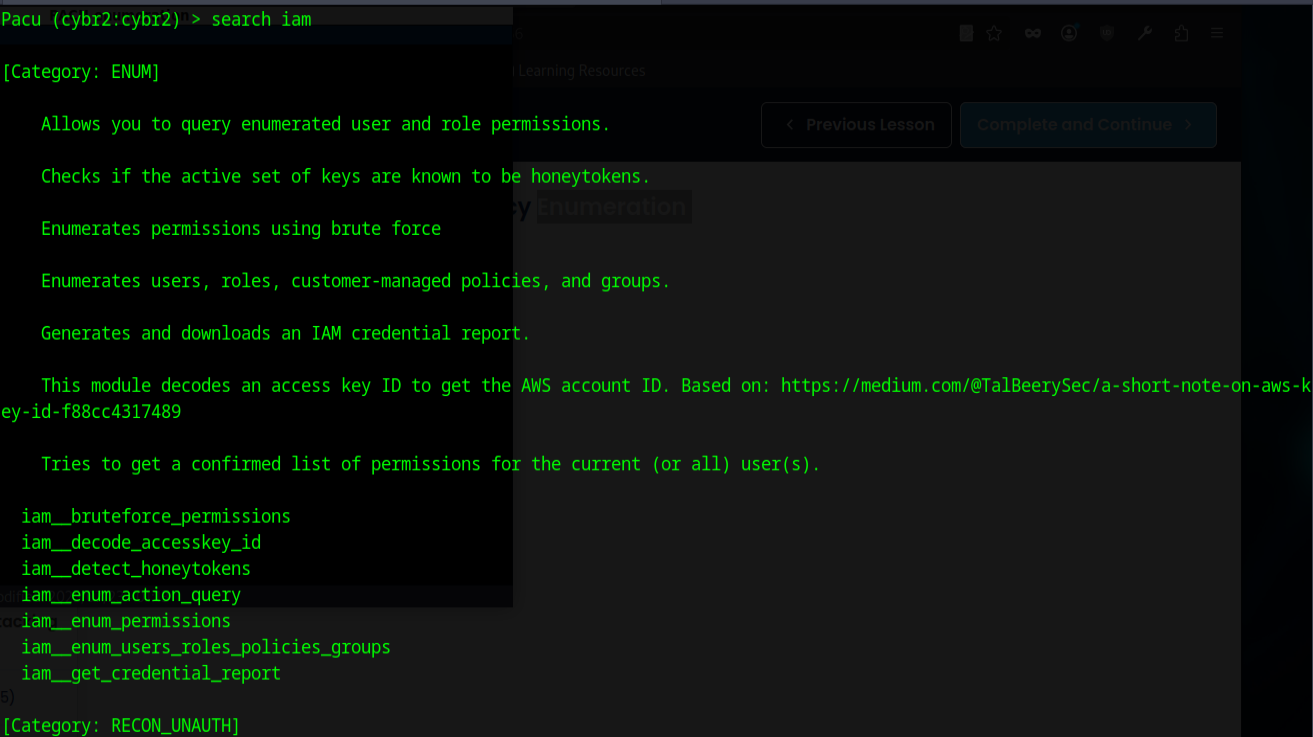
and while this still filled the screen and then some, the answer to our challenge (enumerate the users, roles, policies, and groups) was right there!

2 Running the exploit
Well could it be that easy, lets see going back to the help page to find out how to run a module

running the module was fast and this was the output
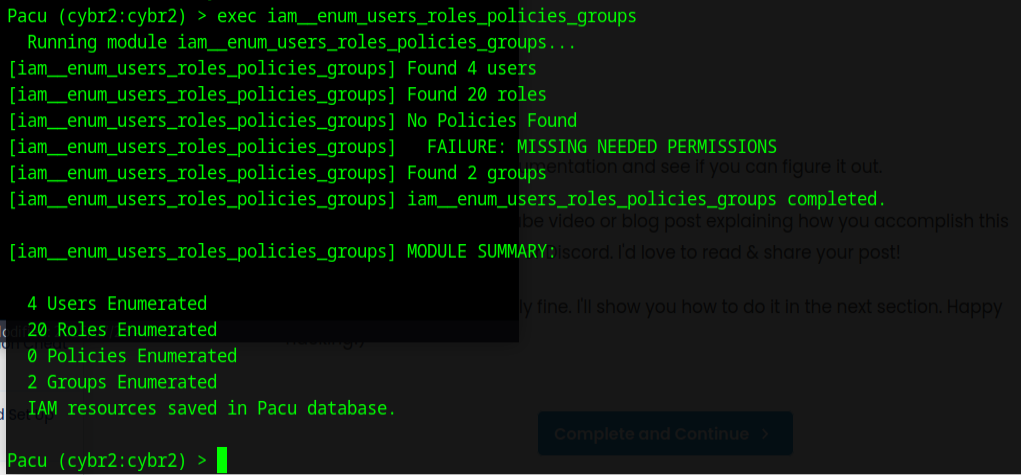
3 Viewing the Data
Since this information seems helpful but ultimately not what we need, I wanted to find out how to retrieve the data it found. I again returned to the help menu and found the command data

Running the command data produced a large amount of data in json format. Running a more specific command such as
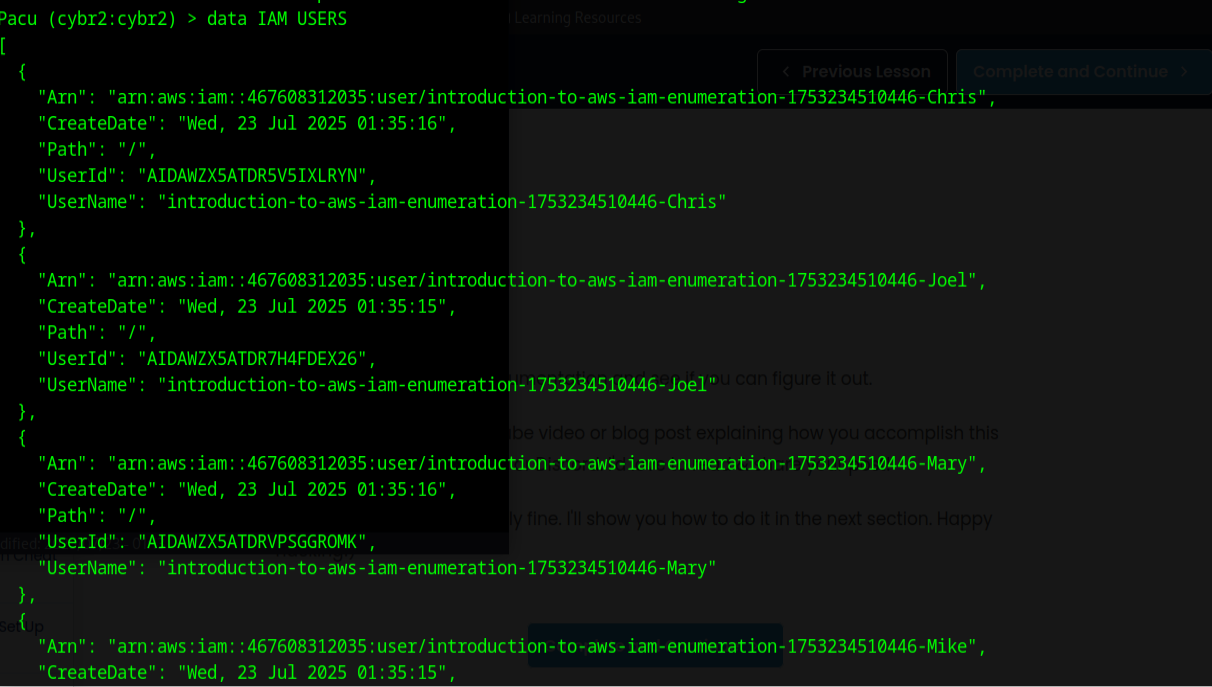
or
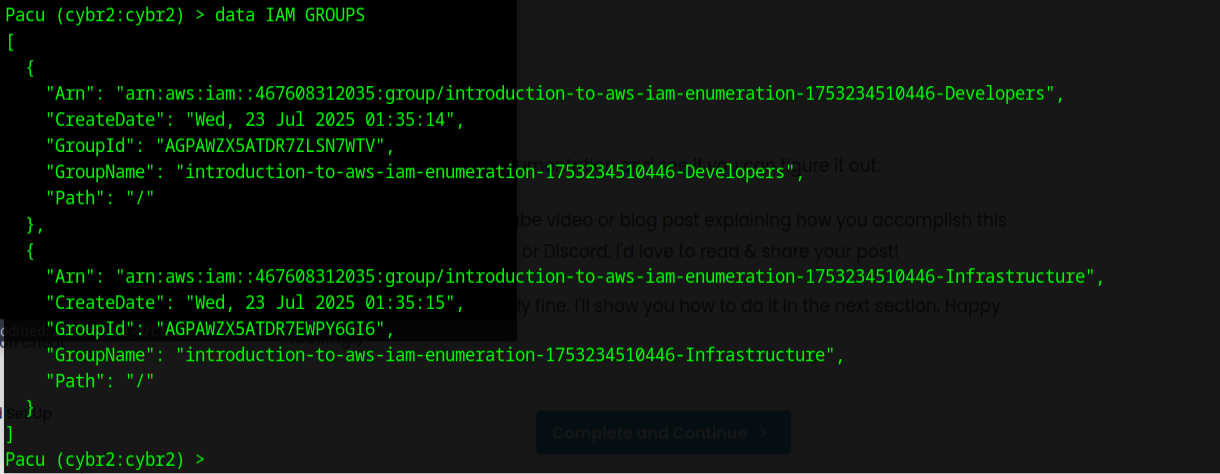
produced the data that we were looking for.
4 Conclusion
While I don't yet know how to leverage this information, it is apparent PACU is the right tool to expedite the process. This tool is loaded down with modules, I am personally excited to dive deeper into AWS hacking. Are you excited to come along for the ride 😼